
Short version
AI for sales is most useful when it works around the deal, not instead of the seller.
The boring pain is where the value usually starts: leads arrive without context, CRM fields stay half-empty, follow-ups depend on memory, call notes are too thin, and sales leads only discover repeated objections after a month of missed revenue.
That is a good fit for an AI-enabled workflow. The system can read inbound messages, extract need and urgency, prepare a first response, summarize calls, create CRM tasks, draft follow-ups, flag risky promises, and show patterns across conversations. The manager still owns the relationship and the commercial decision.
This matters because the market is already moving. Salesforce's 2024 State of Sales research reported that reps spend most of their time on non-selling work, and that teams using AI were more likely to report revenue growth. McKinsey's B2B sales AI work makes the same practical point from another angle: the highest-value use cases sit across the seller journey, but adoption and data foundations decide whether they work.
The boundary is simple: AI may draft, classify, summarize, recommend, and prepare. It should not quietly promise discounts, delivery dates, product capabilities, legal terms, or custom scope the company cannot actually deliver.
So the first good sales AI project is not a magic closer. It is a disciplined assistant connected to CRM, messages, calls, templates, and manager rules. Start narrow, keep a human in the loop, and measure whether the team responds faster, loses fewer next steps, and keeps cleaner pipeline data.
Where AI actually helps sales
Sales teams often ask for "AI that sells". That sounds attractive, but it is the wrong starting point for most companies.
The real workflow is messier. A lead comes from a form, WhatsApp, Telegram, email, referral, webinar, marketplace, or offline event. Someone has to understand who the buyer is, what they want, whether they can buy, what they already said, what the next step should be, and whether the CRM record tells the truth.
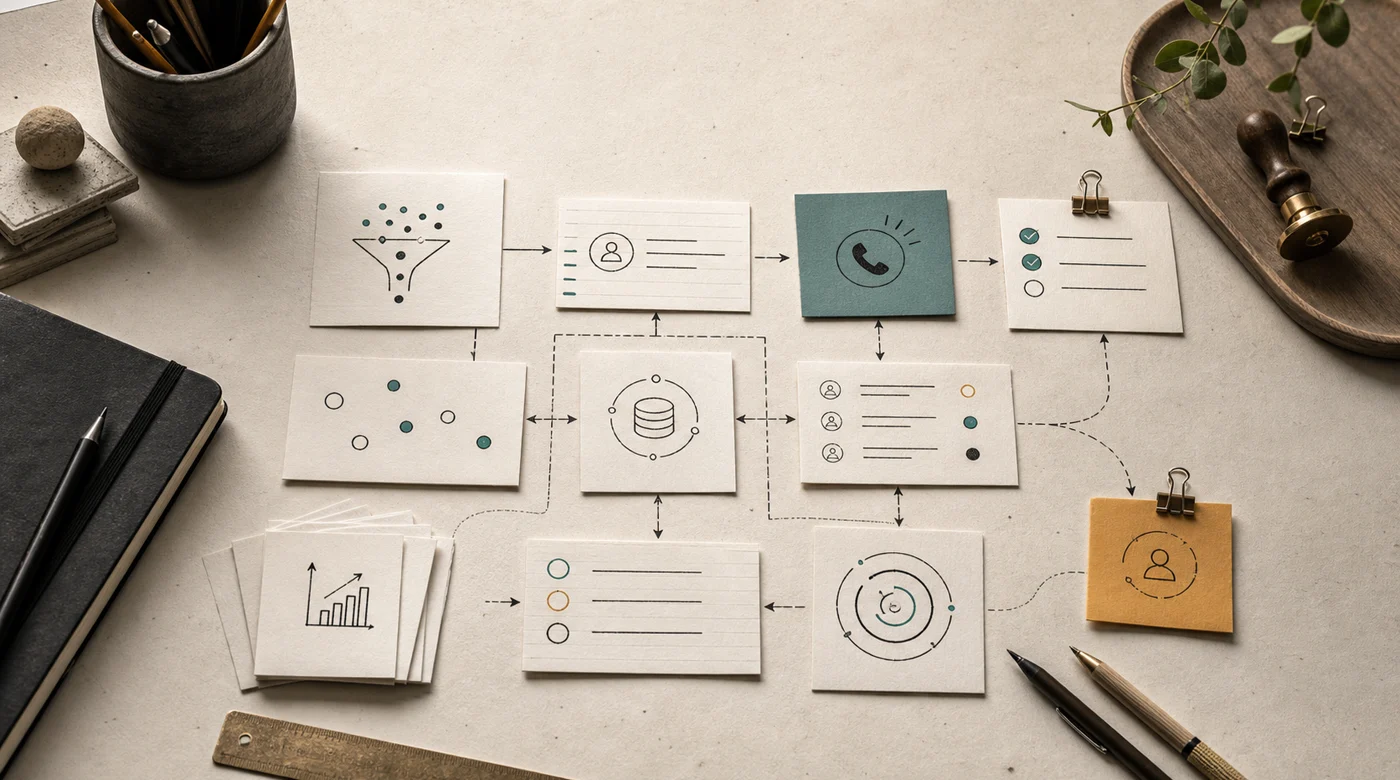
That is where AI is useful:
- lead intake and qualification;
- research and account notes;
- CRM field extraction;
- call and chat summaries;
- follow-up drafts;
- proposal first drafts;
- next-step reminders;
- coaching signals;
- pipeline hygiene checks.
The practical translation: do not start by replacing judgment. Start by removing the work that prevents judgment from happening on time.
For teams that already use Salesforce, HubSpot, email, call recording, Slack, spreadsheets, WhatsApp Business, or a custom back office, this is usually an AI agent problem. The assistant has to read, decide what matters, write to tools, and leave a trail.
Start with the CRM, not the model
Sales AI is only as good as the data it can trust.
If deal stages are political, close dates are fantasy, sources are missing, and managers write important context in private chats, the model will not fix the process. It will make the mess easier to see.
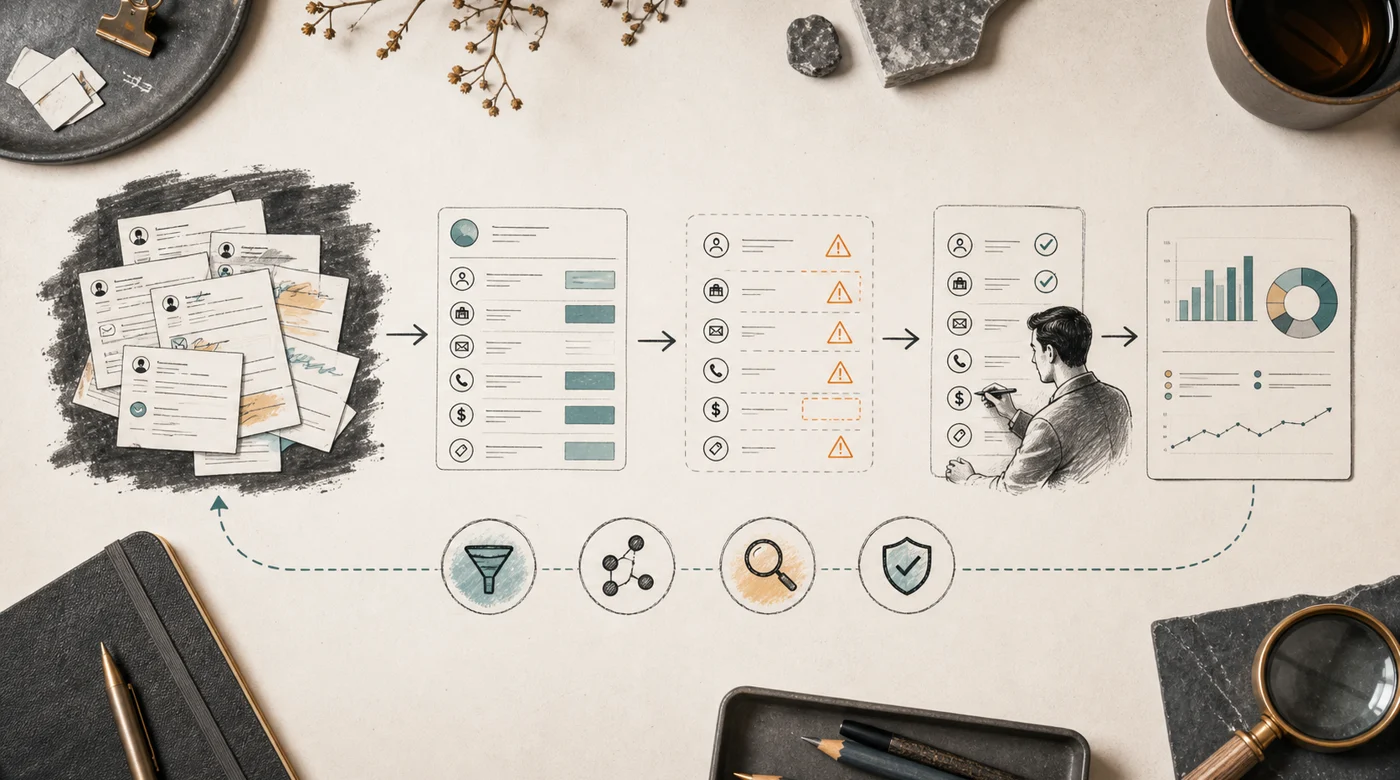
A good first audit asks:
- Which fields are required for a real sales decision?
- Which fields are usually wrong or empty?
- Which messages contain the truth that CRM misses?
- Which actions may AI perform directly?
- Which actions need manager approval?
- What is the cost of a wrong update?
This is where off-the-shelf tools and custom work split. Ready-made CRM AI can often summarize calls, draft emails, and fill simple fields. That may be enough. But if the company has unusual qualification logic, custom pricing, local messenger flows, multiple branches, or a nonstandard CRM, the useful layer is often custom integration around existing tools.
In B2B sales AI this is often a buy-plus-build decision: buy the standard capabilities, then build where the workflow creates competitive advantage. Meeting summaries are standard. Your exact qualification logic probably is not.
Lead qualification should collect context, not interrogate people
Qualification is the easiest place to make AI annoying.
A bad agent asks ten stiff questions before a human says hello. A good agent collects just enough context to help the manager continue the conversation naturally.
The useful fields are usually plain:
- need or problem;
- company and role;
- product or service interest;
- budget range, if appropriate;
- timeline;
- location or branch;
- existing vendor or workaround;
- source of the lead;
- urgency;
- missing information.
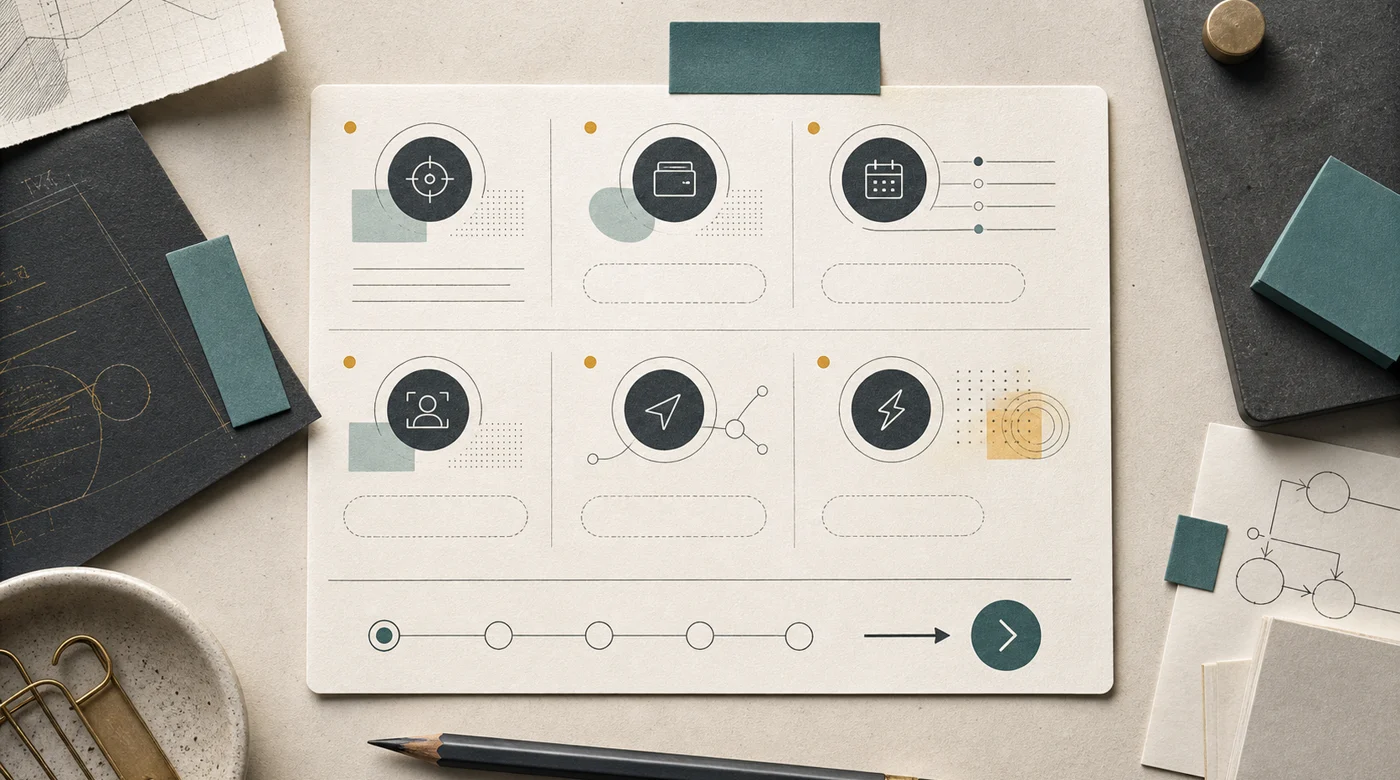
For a simple inbound flow, AI can ask one or two clarifying questions, classify the lead, create or enrich a CRM record, and prepare a short manager brief:
"Lead from WhatsApp. Interested in corporate training for a 40-person sales team. Wants Russian-language sessions in June. Budget not mentioned. Asked whether examples can be based on their CRM. Suggested next step: book discovery call and ask about CRM, team size, and current sales scripts."
That is not dramatic. It is useful because the seller starts with context instead of opening five tabs and rereading a chat thread.
For Kazakhstan and regional teams, language handling matters too. Leads may switch between Russian, English, Kazakh, and transliterated shorthand. The system should preserve the customer's language, normalize fields for CRM, and avoid turning local phrasing into awkward imported sales copy.
Follow-up is where small misses become lost deals
Many sales losses do not look like losses at first. They look like silence.
The manager promised to send a deck. The client asked for a rough price. A decision maker had to be added. A competitor was mentioned. The next step was "let's talk next week", which means nothing unless it becomes a task with a date.

AI can help immediately after a call or chat:
- summarize what the buyer asked for;
- extract promises made by the seller;
- draft the follow-up message;
- attach the right material;
- create the CRM task;
- set the reminder;
- flag missing details before the seller sends anything.
The safe default is draft mode. AI writes the message, but a person reviews it. Automatic sending is reasonable only for narrow scenarios: confirming a meeting time, sharing a standard brochure, thanking someone for a request, or sending a pre-approved next-step note.
This is also where tone matters. A follow-up should sound like the seller, not like a generic marketing assistant. The system needs examples of good messages, forbidden phrases, and rules for when to be brief. The best follow-up is often two clear paragraphs, not a heroic email.
Call summaries are not minutes
Most call summaries are too polite. They say there was a "productive discussion" and list topics. A sales lead needs something sharper.
What changed in the deal? What did the buyer reveal? What did the seller miss? What objection appeared again? Was there a next step? Did anyone make a promise?
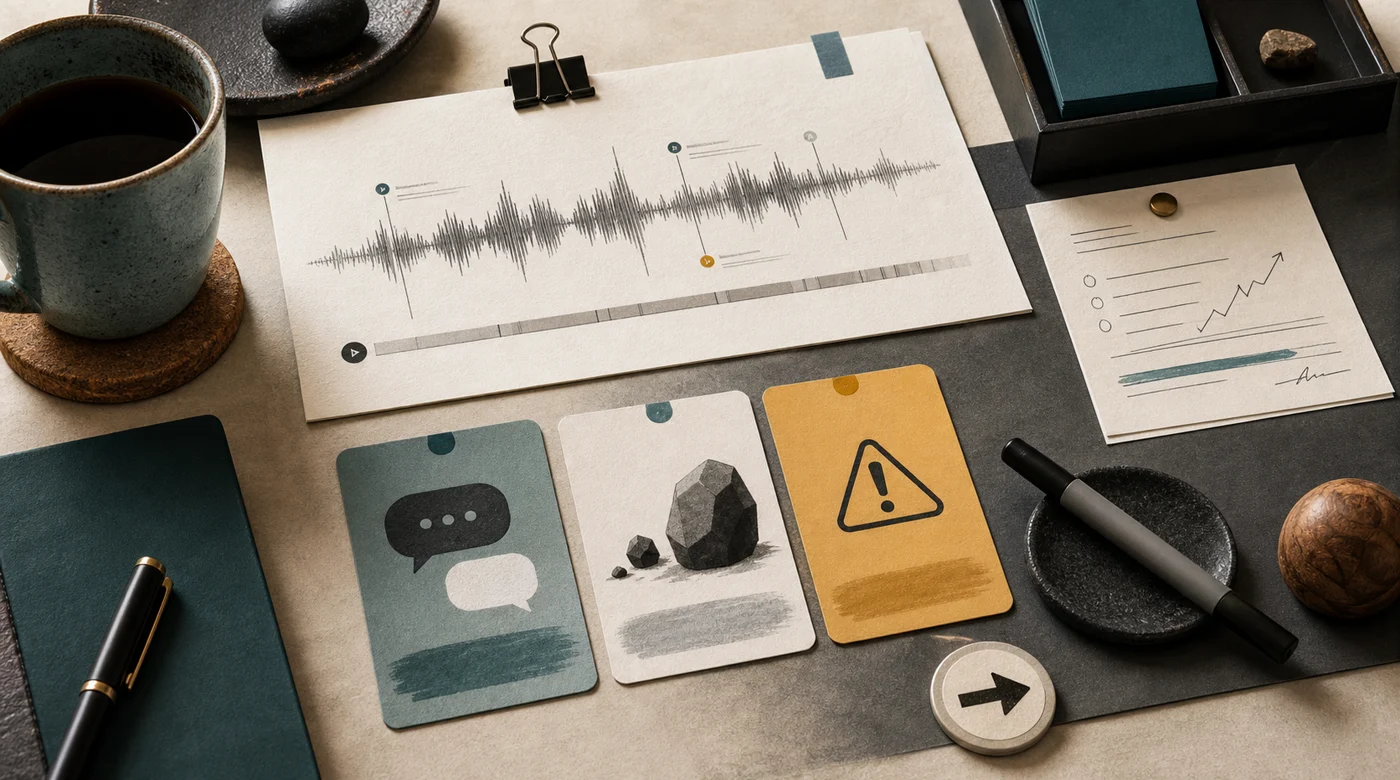
A better summary format:
- deal state before and after the call;
- buyer goal;
- objections;
- decision process;
- next step and owner;
- promised materials;
- risky or unsupported claims;
- coaching note for the manager;
- CRM updates to review.
This is where AI becomes useful for coaching. It can show that one manager skips budget questions, another overpromises delivery, and a third handles objections well but forgets to set a next step. A sales lead can review patterns instead of listening to every call from start to finish.
Do not turn this into surveillance theater. Sellers will fight the system if it feels like a hidden police tool. Make the criteria visible, let managers dispute summaries, and use the output to improve scripts, onboarding, and deal support.
Proposal drafts need stronger guardrails than emails
Commercial proposals are tempting to automate because they are repetitive. They are also risky because they contain promises.
AI can assemble a first draft from CRM data, product descriptions, previous proposals, price tables, case studies, and meeting notes. It can adapt the structure, pull relevant examples, and prepare a short executive summary.

But several parts should stay controlled:
- final price;
- discounts;
- delivery timelines;
- legal terms;
- guarantees;
- integration promises;
- custom scope;
- claims about competitors.
For azamat.ai-style work, this boundary is especially important. An AI-enabled product system is not a template commodity. If a seller sends a proposal that quietly promises "full automation" without discovery, the project is already in trouble.
The safer pattern is staged:
- AI prepares a proposal skeleton.
- It marks uncertain sections.
- It pulls evidence from approved sources.
- It highlights promises that need approval.
- A manager edits final price, scope, and timeline.
This keeps the speed benefit without letting the model invent a commercial commitment.
Guardrails for sales AI
Sales AI needs stricter guardrails than a personal writing assistant because it touches customers, revenue, and private data.
The system should have a clear list of what it may do:
- draft a message;
- classify a lead;
- fill low-risk CRM fields;
- create a task;
- suggest a next step;
- summarize a call;
- flag a risky promise.
And what it may not do without approval:
- offer a discount;
- change a deal stage to won or lost;
- send a nonstandard proposal;
- promise a delivery date;
- accept legal terms;
- access private customer data outside the seller's role;
- delete or overwrite CRM history.

The architecture should include logs, source references, confirmation steps, role-based access, and escalation. If the answer depends on internal documents, the retrieval layer has to respect source freshness and permissions. The retrieval mechanics are covered in How RAG works beyond vector embeddings.
Security is not only about model vendors. It is also about who can see which customer, which branch, which call, and which commercial terms. The assistant should inherit the company's access model instead of creating a new shadow CRM.
A practical rollout sequence
Do not launch sales AI across the whole funnel on day one.
Start with one workflow where the team already feels pain and where the risk is bounded. In many companies that is inbound lead handling or post-call follow-up. Both create visible time savings, and both leave the manager in control.

A sensible sequence:
- Choose one sales motion.
- Collect 30-100 real leads, calls, chats, proposals, and CRM records.
- Mark good and bad examples with the sales lead.
- Define what AI may draft, update, and escalate.
- Build a prototype on real samples.
- Run a small pilot with two or three sellers.
- Review misses weekly.
- Expand only after the workflow is stable.
This is close to the approach in How to implement AI in a small business: choose one repeated process, collect real examples, and avoid turning the first project into a company-wide transformation program.
For a team with custom CRM and messenger flows, the first production version often looks like this: a small dashboard, CRM integration, call transcript ingestion, message drafting, task creation, and a review queue. Quiet, useful, measurable.
What to measure
Sales AI should be judged by operating behavior, not demo charm.
Good metrics:
- time to first response;
- share of leads with required fields complete;
- follow-up sent within agreed SLA;
- deals without a next step;
- overdue tasks;
- proposals sent with manager approval;
- repeated objections by product or segment;
- risky promises caught before sending;
- seller adoption;
- manager edits to AI drafts.
The last metric is underrated. If managers rewrite every AI follow-up, the system is not saving time. If they only make small edits, the workflow is probably working. If they send drafts blindly, you may need stricter review design.
For quality, use evals. The eval set should include real messy leads, vague messages, multilingual conversations, pricing exceptions, angry customers, and cases where the system must refuse or escalate. The deeper method is in Why AI projects need evals.
The point is not to make the system perfect. It is to know whether a prompt change, model change, CRM rule, or new integration made the sales workflow better or worse.
Manager visibility without micromanagement
A separate benefit of sales AI is pipeline visibility. Not surveillance, but early signals: where a deal is stuck, where there is no next step, where a customer was promised something that is not in the price list or contract.
A useful manager dashboard does not say who is bad. It shows where the process needs attention:
- deals without recent contact;
- leads missing required fields;
- promises about deadlines, discounts, or nonstandard scope;
- repeated objections;
- sellers who need help with discovery or follow-up;
- channels where response time is slipping.
This layer connects directly to how AI helps control a sales team and AI integration in CRM. If CRM stays messy, managers will still argue with the report. If AI can see calls, chats, and the deal card, the picture gets more honest.
Do not make this a policing tool. Sellers should know the criteria, see their drafts, dispute summaries, and correct model errors. Then AI helps coach the team instead of merely recording mistakes.
Where the revenue cluster fits together
A sales AI program usually becomes clearer when you split it into four workstreams instead of one giant promise.
The first stream is seller assistance: intake, qualification, follow-up, call summaries, proposal drafts, and coaching. That is the scope of this article.
The second stream is CRM integration. If the assistant cannot see the customer record, activity history, and policy rules, it will stay a writing tool. The implementation details are in AI integration in CRM.
The third stream is manager control. Sales leaders need early signals: stale deals, missing next steps, risky promises, repeated objections, and CRM contradictions. That is a separate operating rhythm, covered in how AI helps control a sales team.
The fourth stream is channel automation. WhatsApp Business, web chat, email, and social inboxes each need their own rules for tone, handoff, identity matching, and CRM memory. The WhatsApp version is detailed in how AI answers customers in WhatsApp.
Keeping these streams separate helps with implementation. A team may start with follow-up drafts and never automate WhatsApp. Another may start with WhatsApp qualification because inbound volume is the bottleneck. A third may care most about pipeline review because the sales lead cannot trust the forecast.
The mistake is bundling all of this into “AI for sales” and trying to ship it as one feature. Revenue work is too sensitive for that. Build one stream, test it on real conversations, make the review loop boring, then connect the next stream.
Bottom line
AI for sales works when it strengthens the existing sales process.
It should help the team respond faster, remember promises, keep CRM cleaner, prepare better follow-ups, and see repeated deal risks earlier. It should not become an unsupervised salesperson making commitments the business cannot keep.
The best first slice is usually narrow: qualification, follow-up, call summaries, or CRM hygiene. Connect it to the tools sellers already use. Keep approvals around price and promises. Add logs and evals before giving the agent more autonomy.
That is less flashy than "AI closes deals for you". It is also much closer to how sales teams actually get better.